All the links people send you, sorted by topic.
That lecture from a group chat, the article a friend sent last month, the course you bookmarked: LinkVault collects them in one place and sorts them by what they're about. On your phone, with no account and no server.
Every link in its place
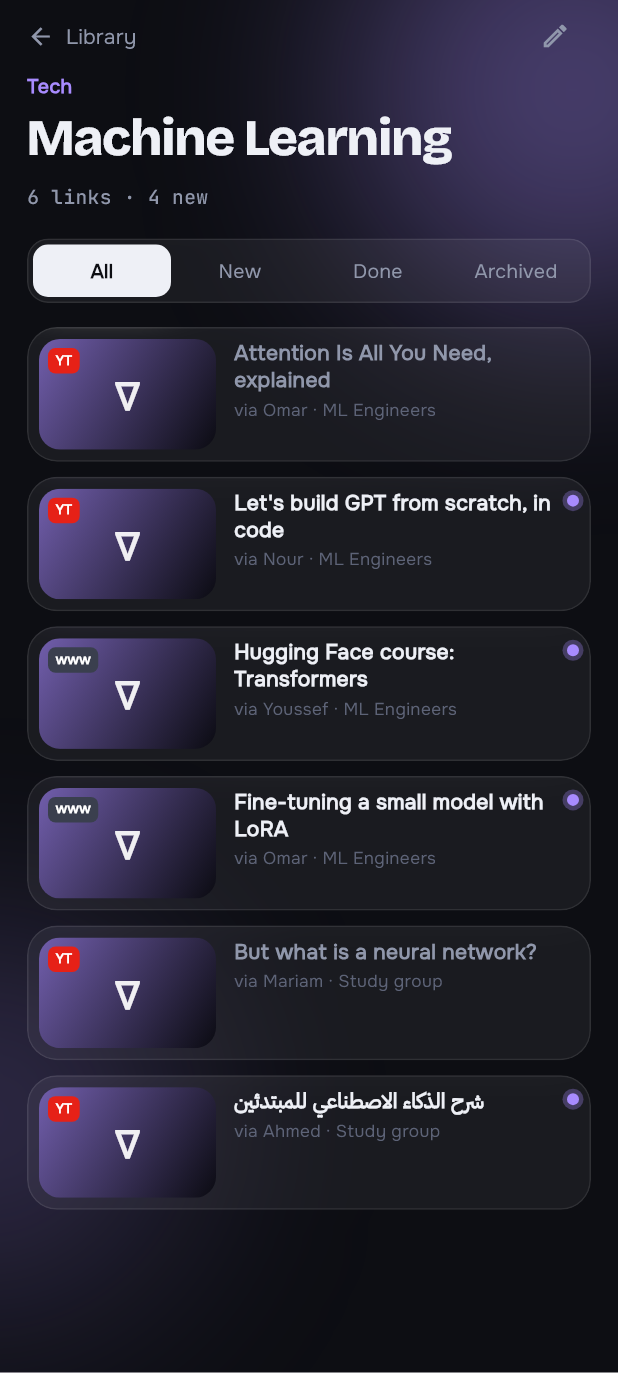
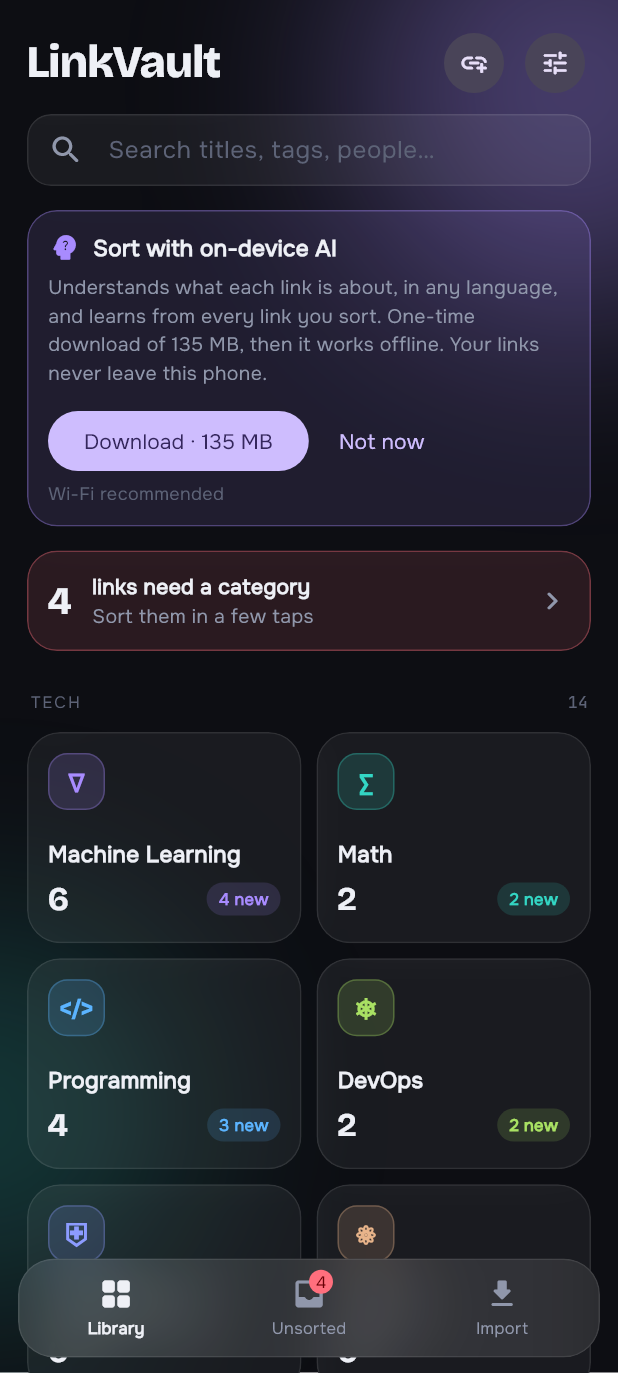
Your links grouped into categories you can rename, recolour and add to. Each one opens straight in its own app.
- Share from any app. Tap Share, pick LinkVault, and it's saved and sorted before you're back in the chat.
- Paste a link with the + button. If one is on your clipboard, it's already filled in.
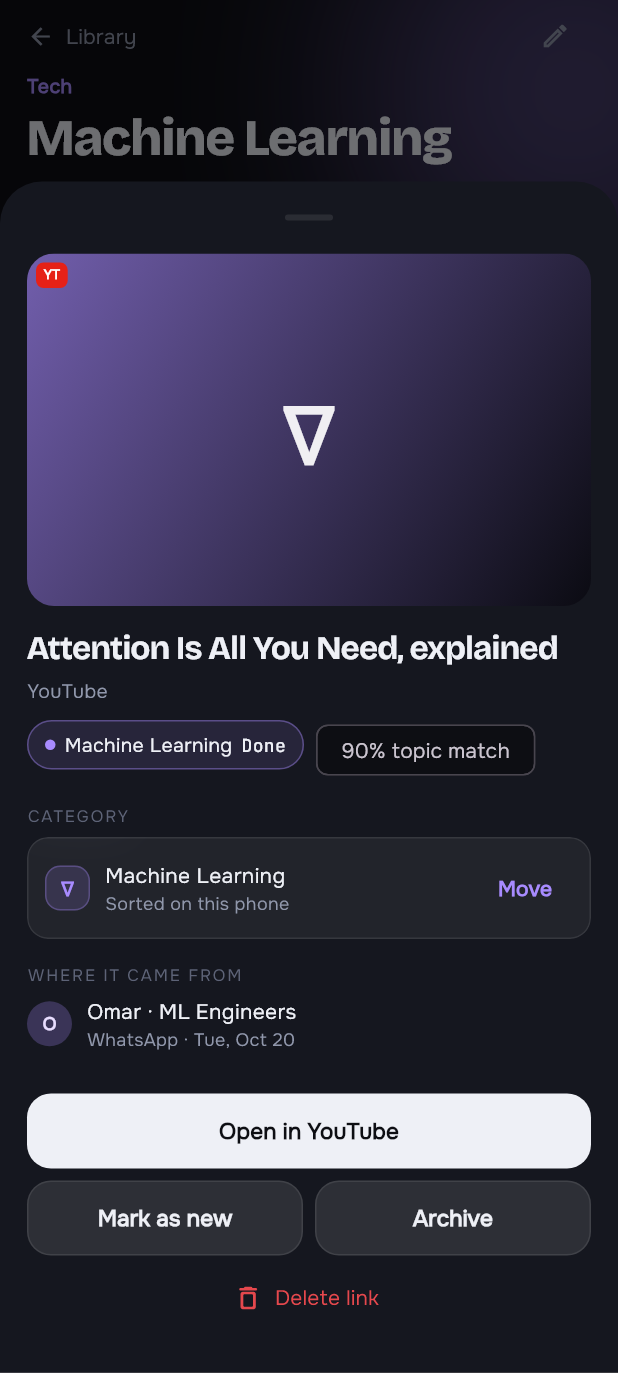
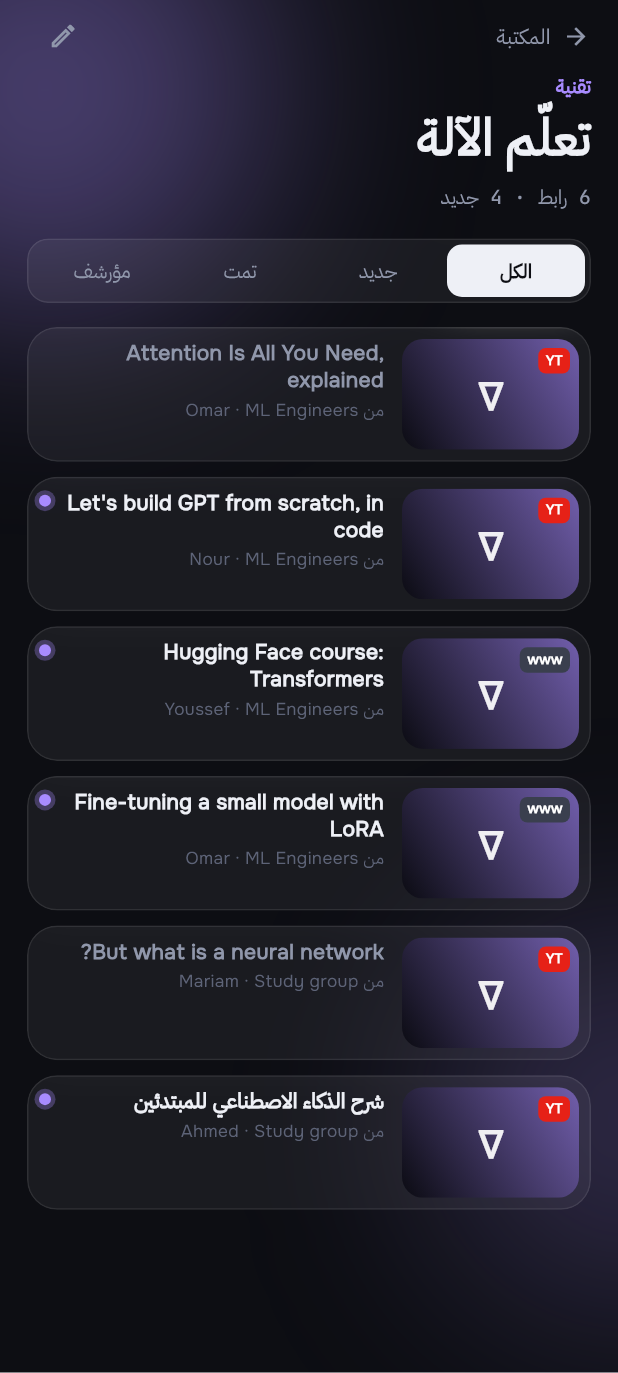
- New, Done, Archived: keep track of what you've watched or read.
- Search titles, notes, tags, or who sent it and in which chat.
Not sure? It asks, then learns
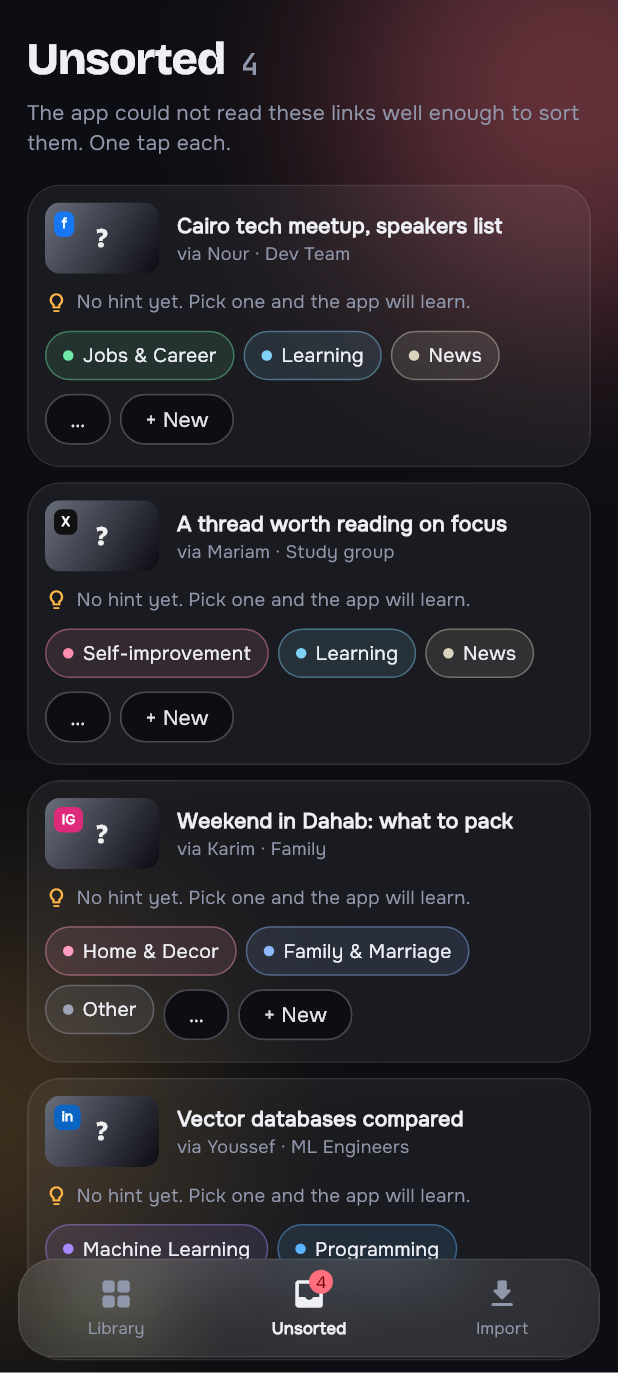
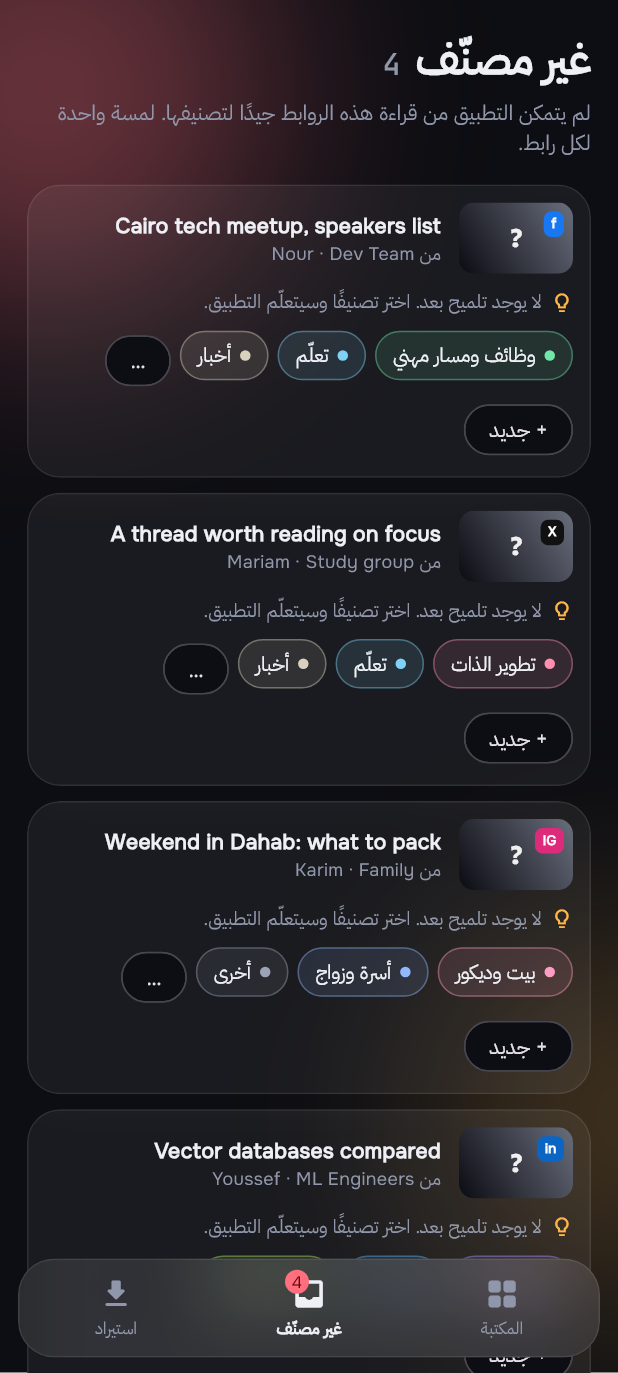
When the app can't tell where a link belongs, it waits in Unsorted with its three best guesses. One tap sorts it.
- Suggestions from your own library: words the link shares with links you already sorted, and who usually sends what.
- Every tap teaches it. Move a link once and similar links follow.
- Hold to select several and delete them at once, with Undo.
Bring in years of old links
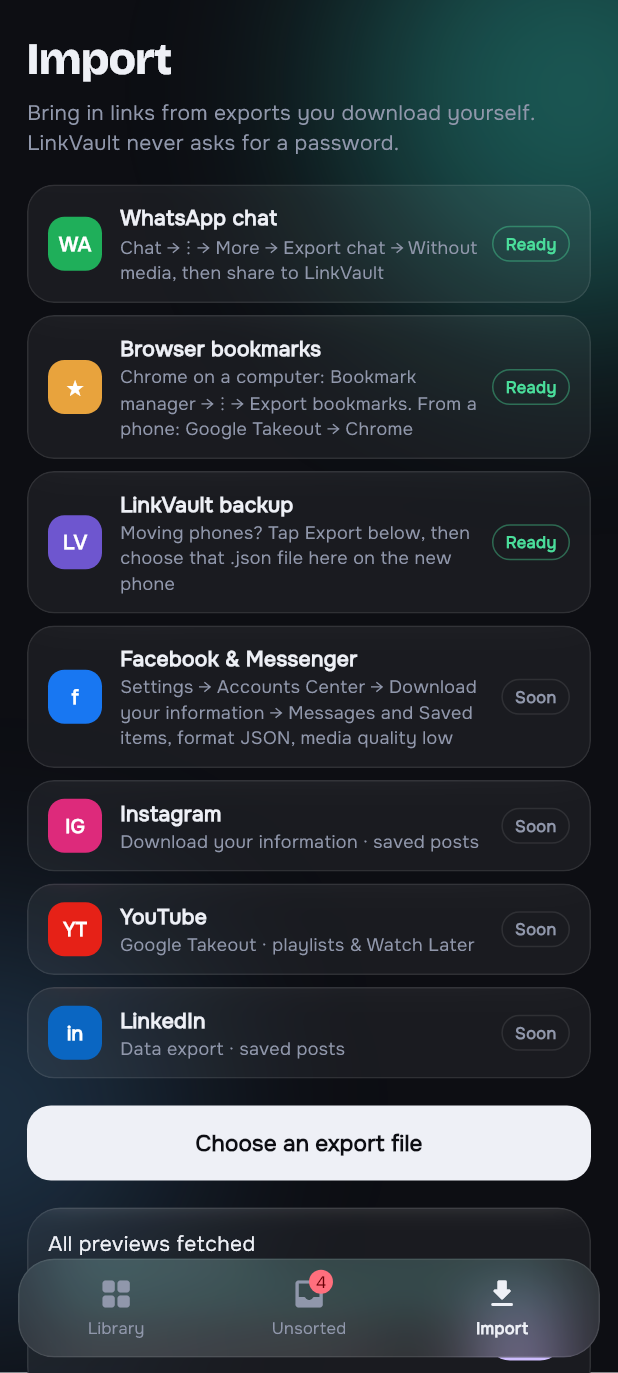
From files you export yourself. LinkVault reads them on the phone and never logs in anywhere.
- WhatsApp chats: Export chat → Without media, then share it to LinkVault. Android, iPhone and Arabic-format exports all work.
- Browser bookmarks from Chrome, Edge, Firefox or Safari. Folder names become sorting hints.
- No duplicates. Import the same chat again and only new links come in. The same link from two people is one link with two senders.
- Moving phones? Export your library, then import that file on the new phone.
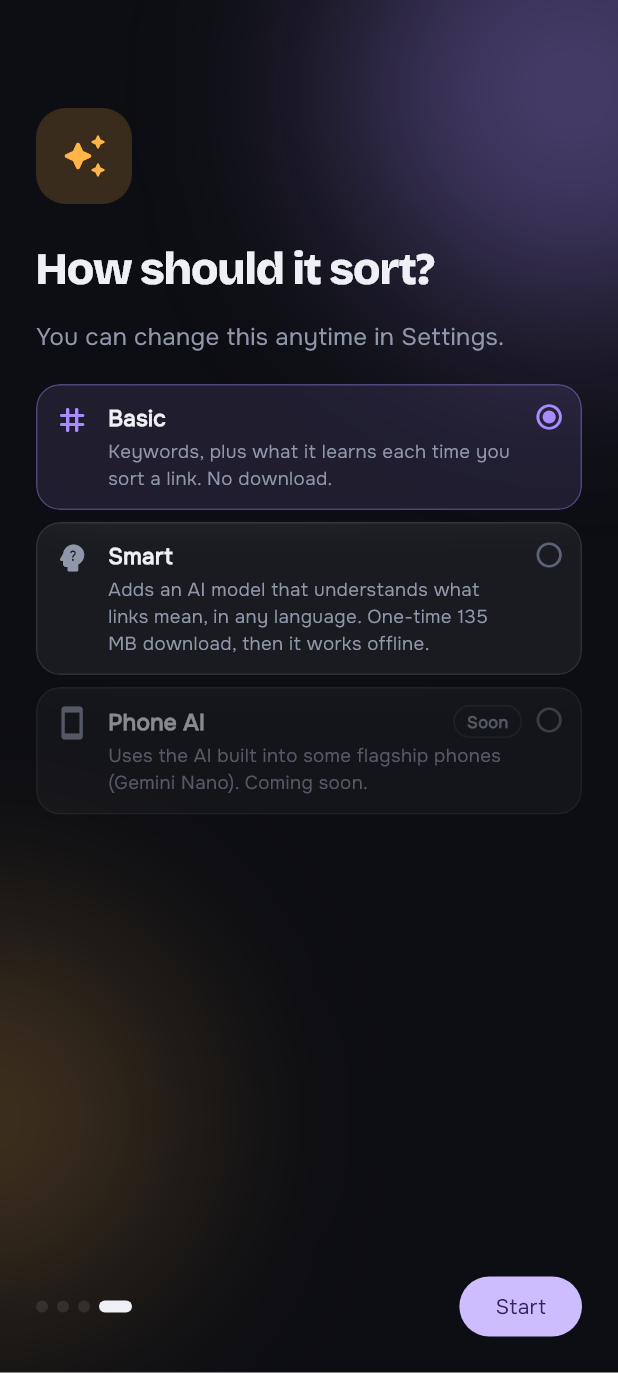
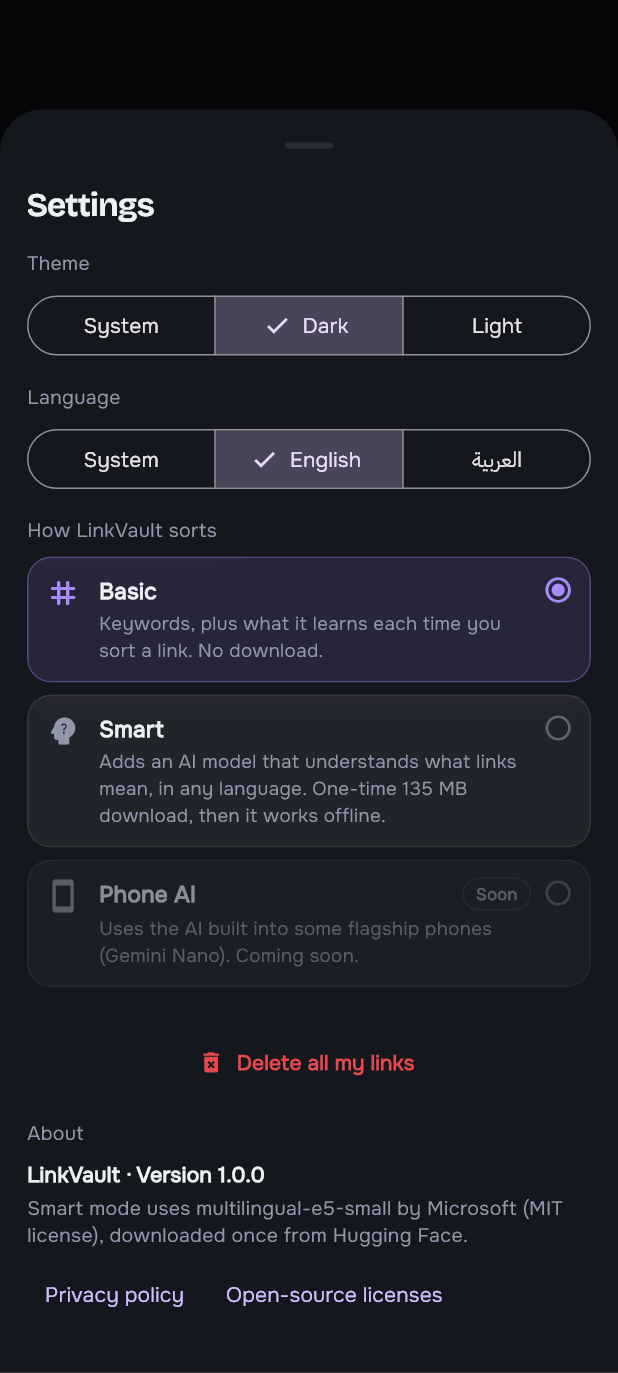
You choose how smart it gets
Picked once in the welcome tour, changeable any time in Settings.
- Basic works the moment you install: keywords in English and Arabic, plus what it learns from you. No download.
- Smart adds a small AI model (135 MB, once) that understands what a link means in any language. It runs on the phone, offline.
- Phone AI will use the AI built into some flagship phones.
Careful first, clever second
A link in the wrong place is worse than a link in Unsorted, so every step only sorts when it's sure, and passes the rest on.
Read the link
Title and description from the page, or from YouTube for videos. Previews are fetched politely, Wi-Fi only if you like.
Keywords
Dozens of words per category in English and Arabic, with Arabic spelling variants folded together.
Meaning (Smart)
A multilingual model turns each link into a "meaning" vector, and a small classifier trained on your own sorted links decides.
Ask you
Still unsure? It goes to Unsorted with three suggestions, and your answer becomes a new example.
extra wrong sorts from Smart mode, on a real library checked by hand
Unsorted links had the right category among Smart's three suggestions
to retrain on 900 links after you sort one, measured on a PC; a few seconds on a mid-range phone, in the background
Measured on one real 0.8 library against 227 links labelled by hand without looking at the app's answers. Your library will differ: that's why the AI learns from your own sorting instead of shipping one fixed model.
روابطك، مرتّبة
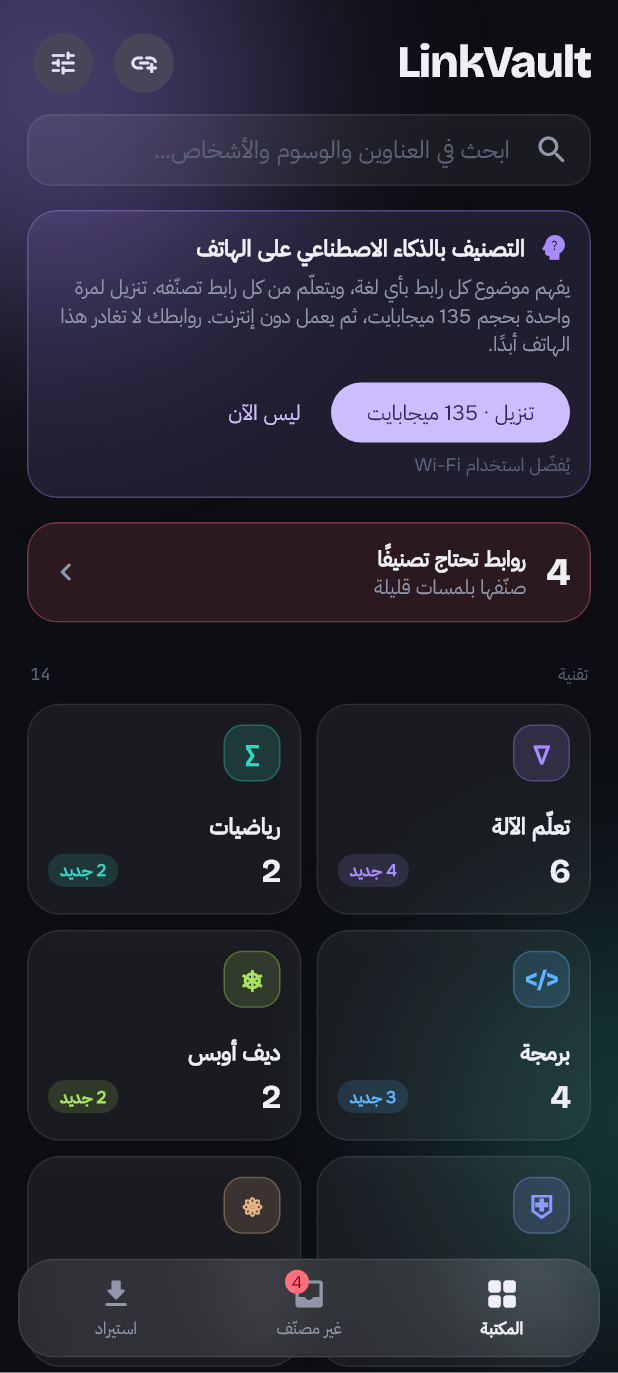
Fully in Arabic, right to left
Every screen, button and message in Arabic, with the layout mirrored. Arabic and English links sort side by side: the Smart model places an Arabic title next to English ones about the same topic.
Take a look around
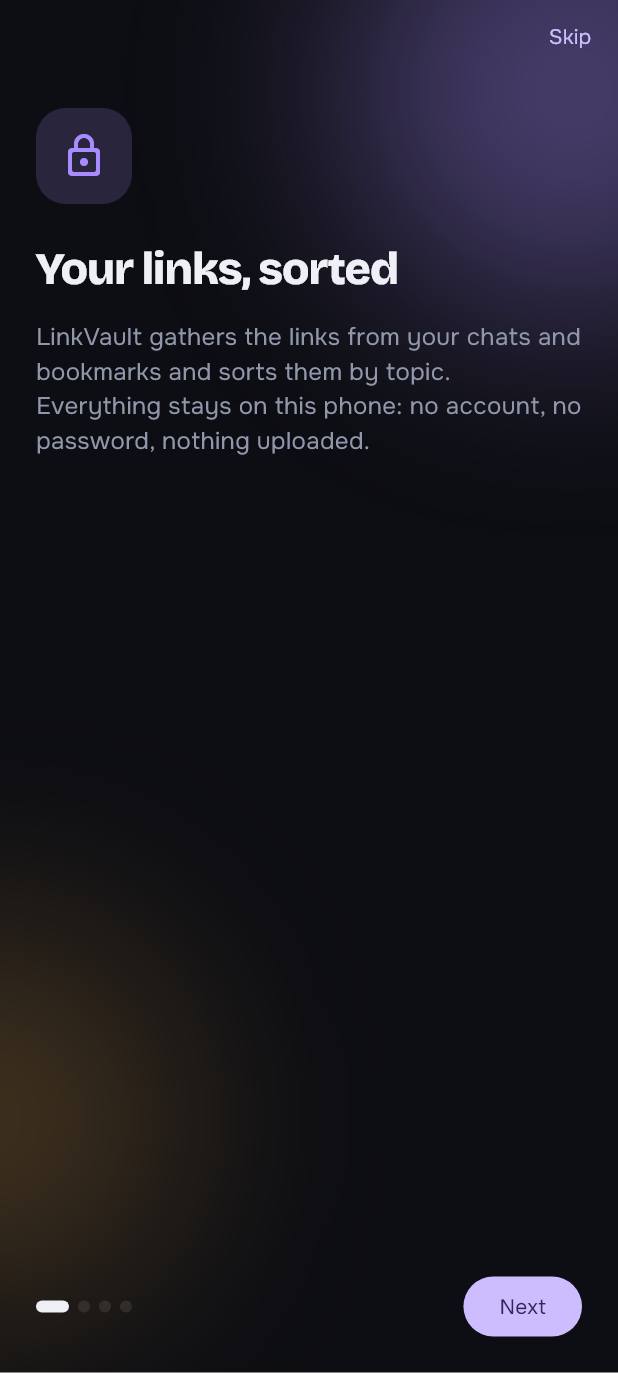
Real screens from the app, with a made-up library. Tap one to see it bigger.
Your links never leave your phone
There is no LinkVault server. Read the privacy policy.
No account
No sign-up and no login. The app never asks for a password to WhatsApp, Facebook or anything else.
On the phone
Links, sorting and the AI all live in the app's private storage. Imported files are read on the phone.
Online only for previews
The internet is used to read each link's title, and once for the optional AI download. Nothing about you is sent.
Yours to take
Export the whole library any time, restore it on a new phone, or delete everything with one button.
Small, careful, on-device
Flutter
One custom design, dark and light, built for Android.
SQLite
A local database with duplicate-proof imports and a JSON export.
ONNX Runtime
Runs the multilingual-e5-small model natively, on a background thread.
Pure-Dart sorting
Tokenizer, keyword scorer and classifier in plain Dart: unit-tested, and run in background isolates.
Coming later
More imports
Facebook and Messenger, Instagram saved posts, YouTube playlists and LinkedIn, from their own data downloads.
Phone AI
On phones with a built-in model, one-line summaries and a second opinion when sorting is unsure.
Automatic backup
To your own Google Drive, never to a LinkVault server.